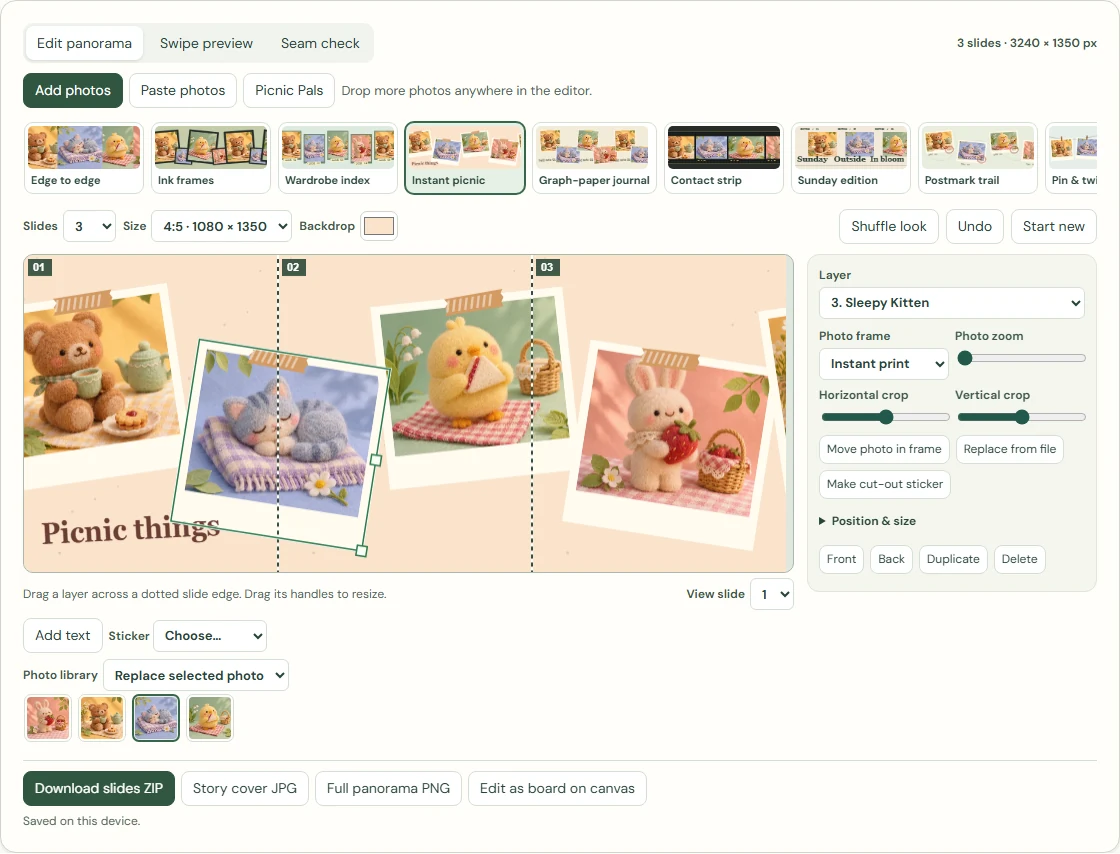
Try Instant picnic
Berry Bunny, Tea Bear, Sleepy Kitten and Picnic Chick share three portrait slides. Select a photo and move its frame across a divider. Open Swipe preview and advance one slide to see where the photo continues.
Build one long design, check what crosses each swipe, then save numbered slides in posting order.
PNG · JPG/JPEG · WebP · GIF · AVIF · SVG · BMP
Photos stay on your device. No uploads.
Start with a look, place your pictures on the strip and check the places where the post splits. The same four picnic friends appear in every example below.
Berry Bunny, Tea Bear, Sleepy Kitten and Picnic Chick share three portrait slides. Select a photo and move its frame across a divider. Open Swipe preview and advance one slide to see where the photo continues.
Set 2–20 slides and pick 4:5, 3:4 or square. Each slide is 1080 pixels wide. Choose a look, then add your photos or replace a photo in the sample.
Drag the frames across the strip. Adjust a photo inside its frame to keep a face away from a divider. Add a caption or sticker where it can be read on a single slide.
Switch to Swipe preview and advance through the slides in order. Check the profile crop and the portrait cover before exporting.
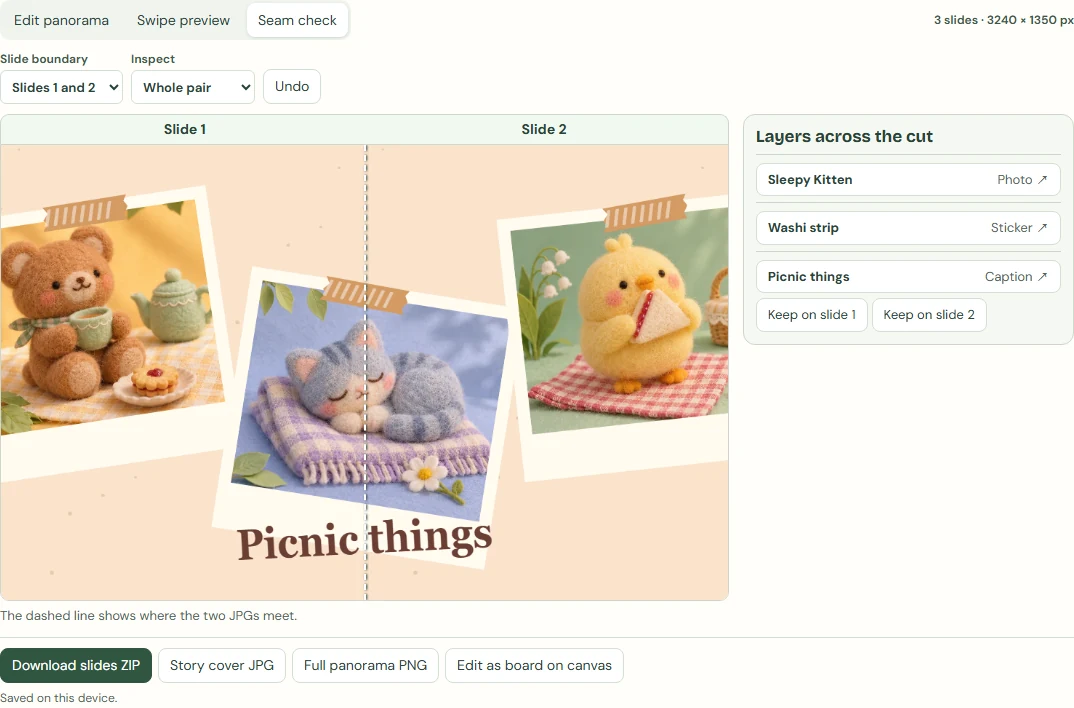
Open Seam check and choose a pair of slides. The dashed line marks the cut. Pick a photo to adjust its frame, or use Keep on slide to move a split caption onto one side. Undo lets you compare both versions.
| Slide shape | Each JPG | When to use it |
|---|---|---|
| Portrait · 4:5 | 1080 × 1350 px | Room for a face and a short caption beneath it. |
| Tall portrait · 3:4 | 1080 × 1440 px | A little more height for an outfit, poster or street scene. |
| Square · 1:1 | 1080 × 1080 px | A simple grid or a panorama sliced into even tiles. |
| Story cover · 9:16 | 1080 × 1920 px | The separate tall cover included with the numbered slide files. |
Extract the ZIP and select slide-01, slide-02 and the remaining numbered JPGs in order. Save the separate Story cover for a Story or Reel.
Open Seam check. If a caption crosses the boundary and fits on one slide, choose Keep on slide. Longer text can be shortened or resized in the editor. A photo can continue across the cut.
The editor keeps a draft in this browser when local storage is available. Add the strip as an editable artboard and save an .ezimg project to take your layers to another device.